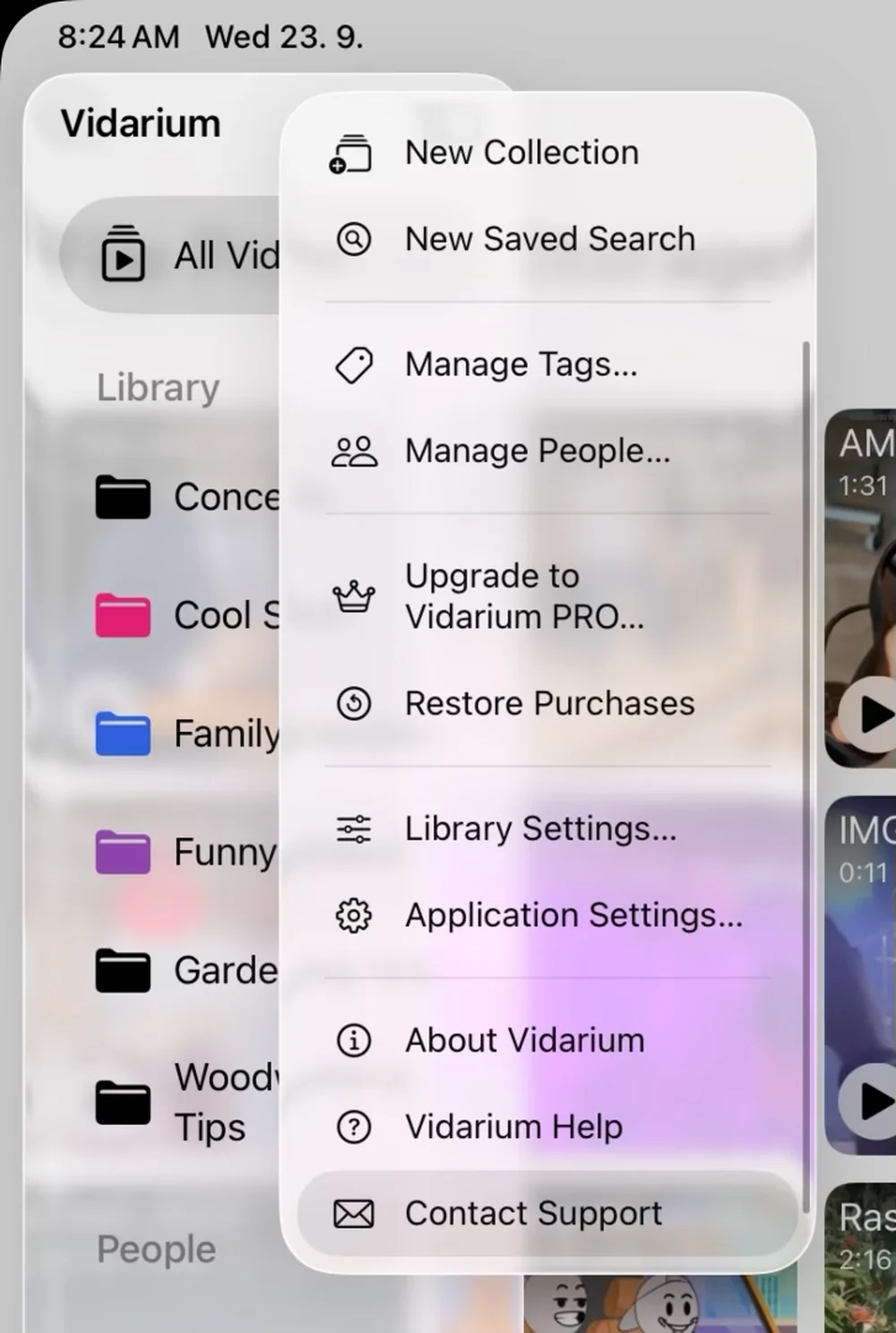
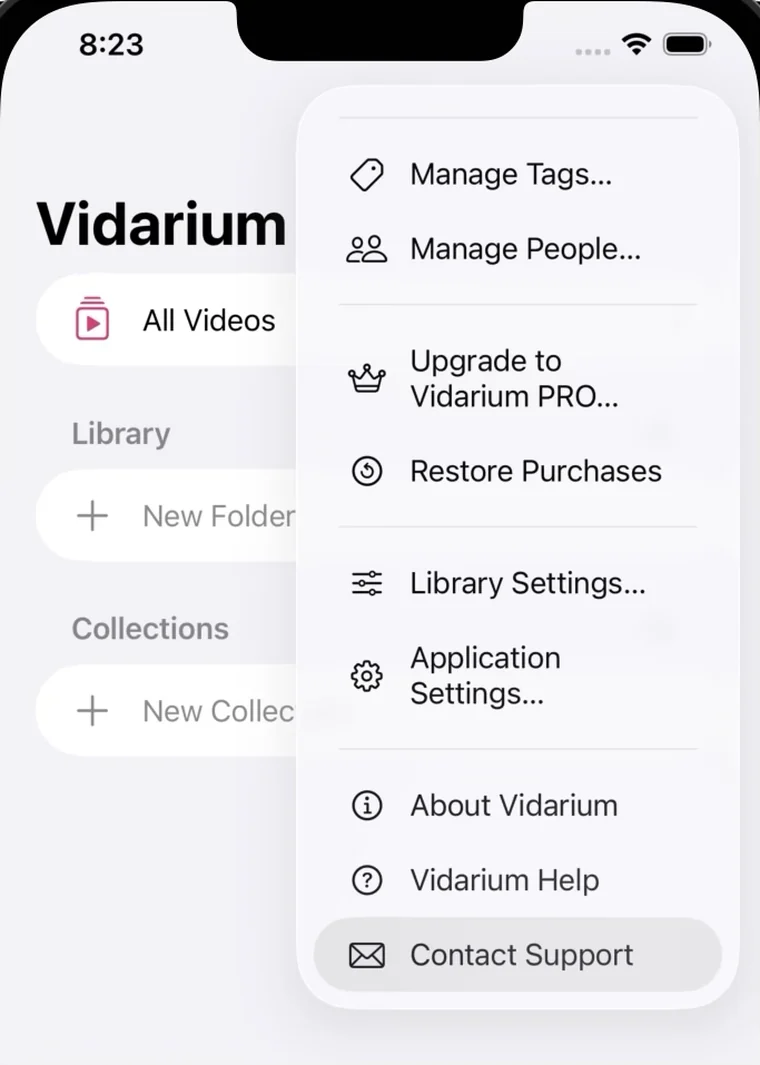
Please use the in-app support dialog to report issues with Vidarium — it automatically attaches diagnostic information that helps us track the problem down. On macOS, open the Help menu in the menu bar and choose Contact Support. On iPhone and iPad, open the menu in the sidebar or list view and tap Contact Support.
macOS — Help menu in the menu bariPadOS — menu in the sidebariOS — menu in the list view
Frequently asked questions
Can't use the in-app dialog? A few common situations covered below.
Can't access the support dialog?
If Vidarium is crashing on launch, try deleting the app and installing it again from the App Store — your purchase is tied to your Apple Account, so you will not be charged twice. If the issue persists, please continue to this form.
Your purchase isn't showing up?
Make sure you are signed in with the same Apple Account you bought Vidarium with, then use Restore Purchases in the app. Purchases are shared across your Mac, iPhone and iPad, and through Family Sharing where enabled.
Questions about billing or refunds?
Purchases of Vidarium are handled entirely by Apple. To review a purchase or request a refund, go to App Store › your account › Purchase History on your iPhone, iPad or Mac, or visit reportaproblem.apple.com.
Looking for the documentation?
The complete, always up-to-date help book ships inside the app — open it from the Help menu on macOS, or from the menu in the sidebar on iPhone and iPad. A copy is also available in the Vidarium help book here on the website.
Your Privacy
We use cookies to improve your experience. By continuing, you agree to our use of cookies in accordance with our Privacy Policy.

 Support